The Problem
Large screenshots and design assets are expensive in AI contexts. Every pixel sent to a model costs tokens. A 4K screenshot can burn through thousands of tokens before the AI even processes your actual request. Designers, developers, and product teams waste money and time uploading oversized images.
The Solution
Smart Crop
Interactive overlay with resize handles and grid guides. Select exactly what matters, discard the rest.
Mode-Based Optimization
Three presets: Text (OCR-optimized), General (balanced), UI (pixel-perfect for design reviews).
Live Metrics
Before/after comparison for file size, resolution, and estimated token usage. See savings instantly.
Native Speed
Core Image processing on Apple Silicon. Drag, trim, copy — all local, all instant.
App Interface
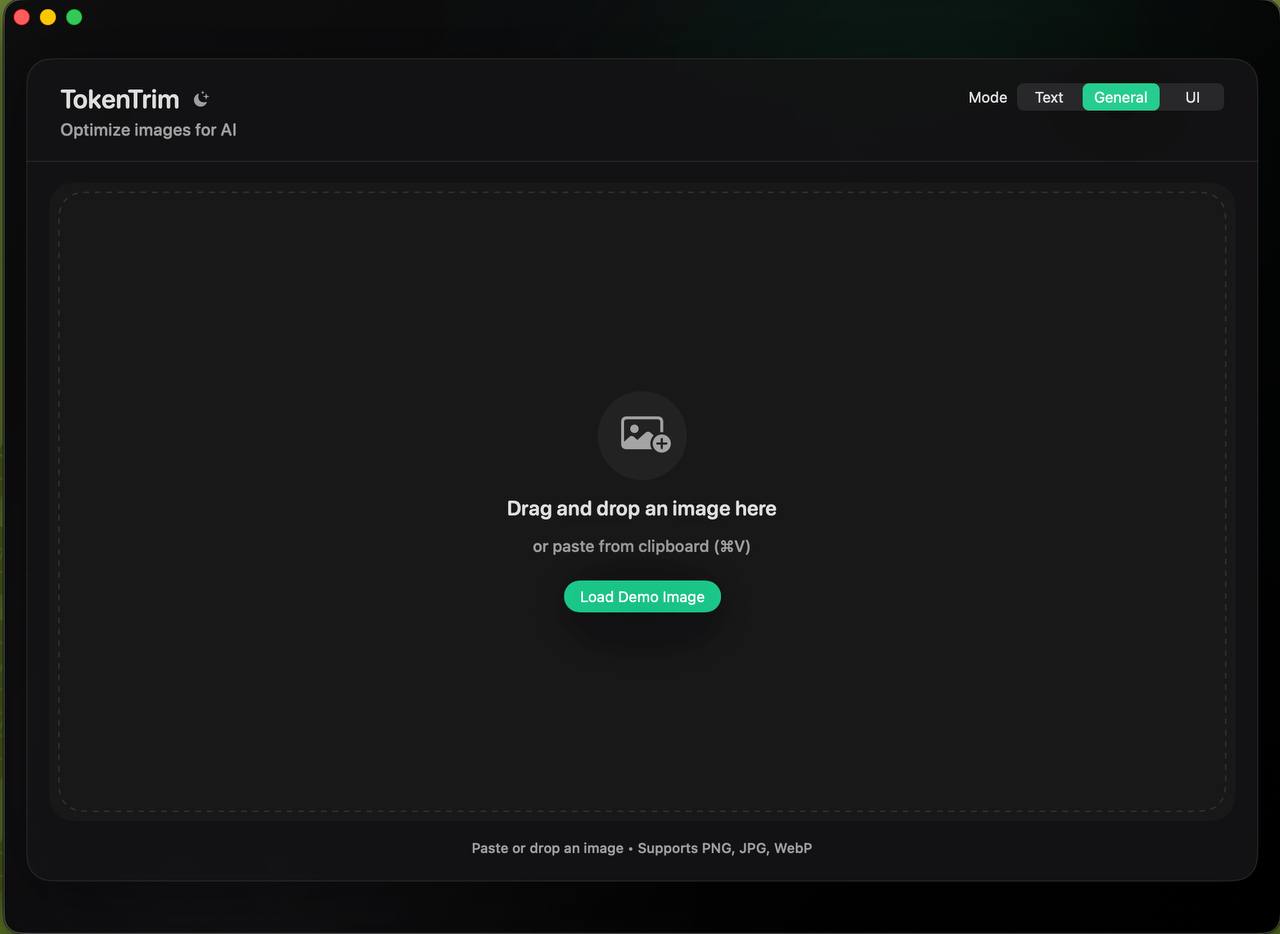
Clean drop zone with mode selector (Text, General, UI)
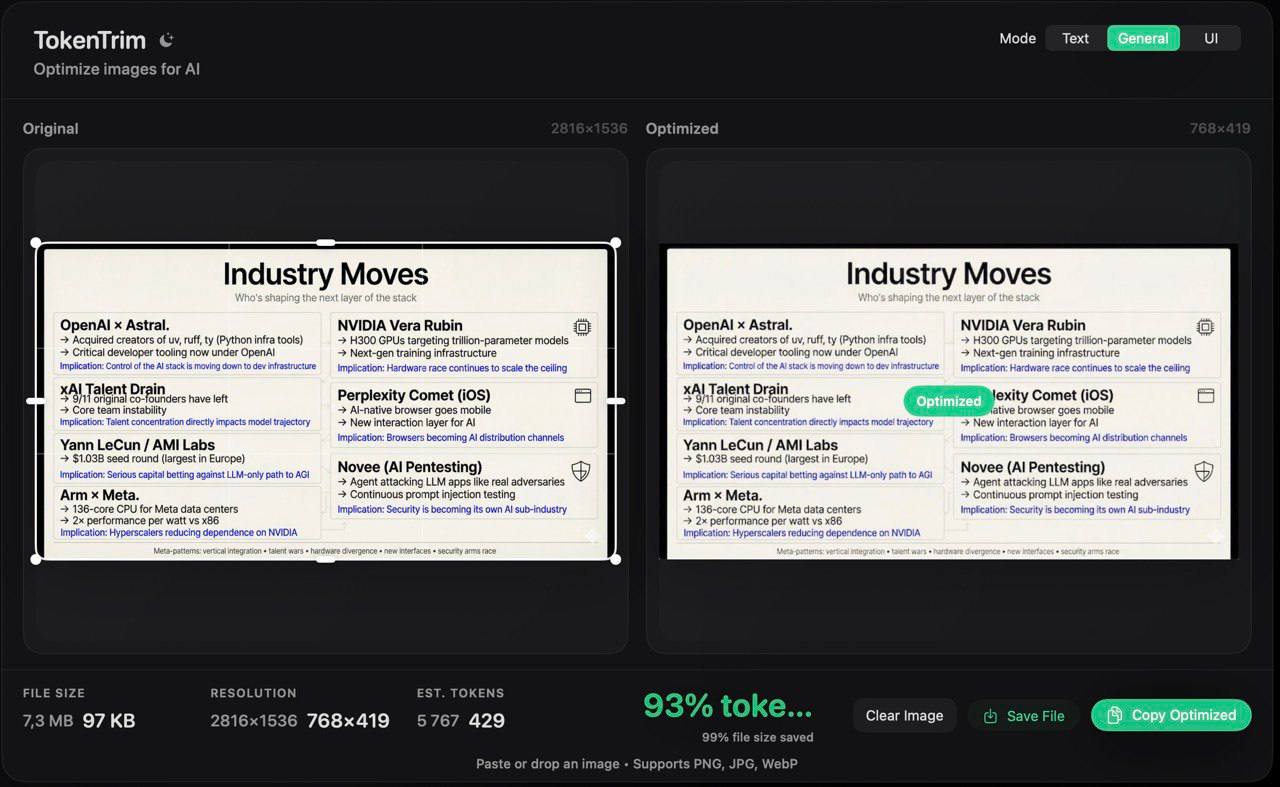
Before/after: 7.3 MB → 97 KB, 5,767 tokens → 429 tokens (93% saved!)
Technology Stack
- SwiftUI + AppKit: Native macOS interface with polished dark-first presentation and unified toolbar.
- Core Image: Hardware-accelerated image processing for crop, resize, and compression operations.
- XcodeGen: Clean project generation from YAML — reproducible builds, version-controlled configuration.
Workflow Integration
Clipboard-First: Paste directly from screenshots, copy optimized results ready for ChatGPT, Claude, or your favorite AI tool.
Export Naming: Automatic .trim.jpg or .trim.png suffix keeps originals intact.
Window Flexibility: Min size 980×720 for precision work, expands for batch review of multiple assets.